
01 Template
Pick a kit an admin saved for everyone — scenes, shots, and overlays already sequenced.
Scene stack, not a timeline
Leave the timeline behind. Anim8 turns characters, scenes, and a script into draft or full-quality animated video — finish one scene, then the next.
(no card needed)
Free plan is limited. Creator and Studio unlock video generation.
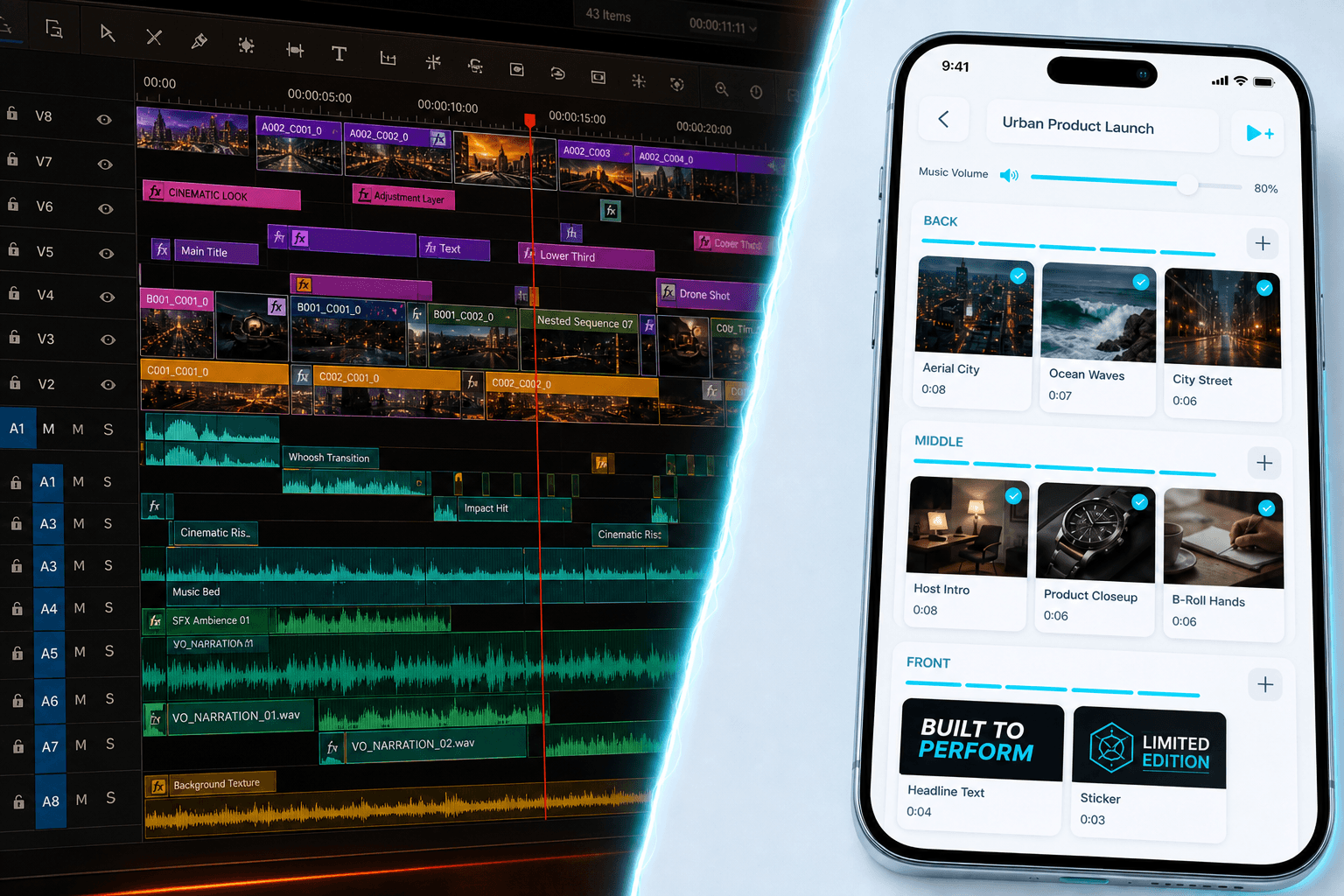
Script → Scenes → Screen
No more shifting timelines. Edit your scenes one by one in any order, then stitch them together automatically.
Pick a kit an admin saved for everyone — scenes, shots, and overlays already sequenced.
Paste text. Each beat becomes a scene with VO copy and an empty media slot.
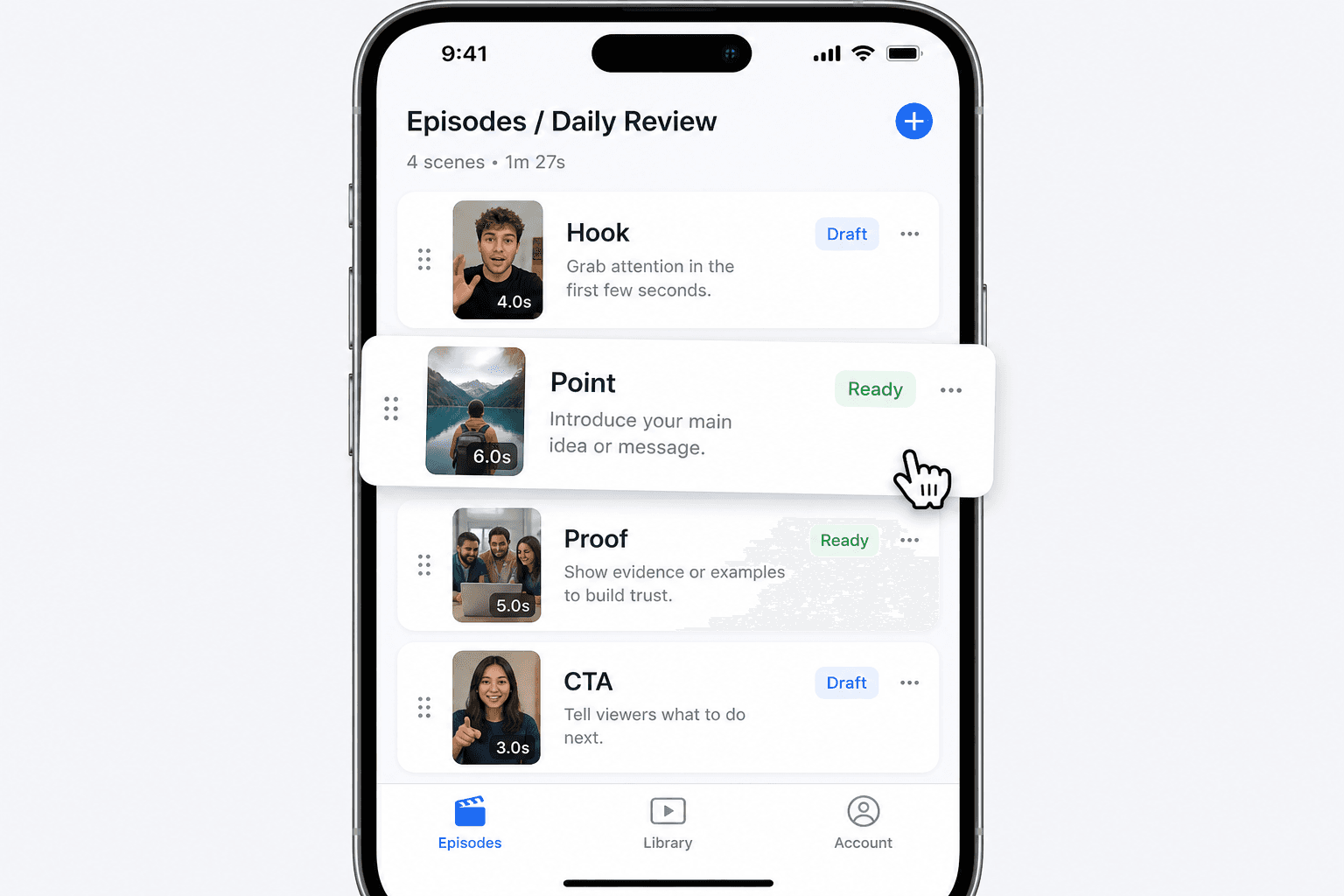
Character > Scene > Video
No global timeline. An episode is an ordered list of scenes. Tap a card, trim the clip in the properties sheet, mark it done, move on.
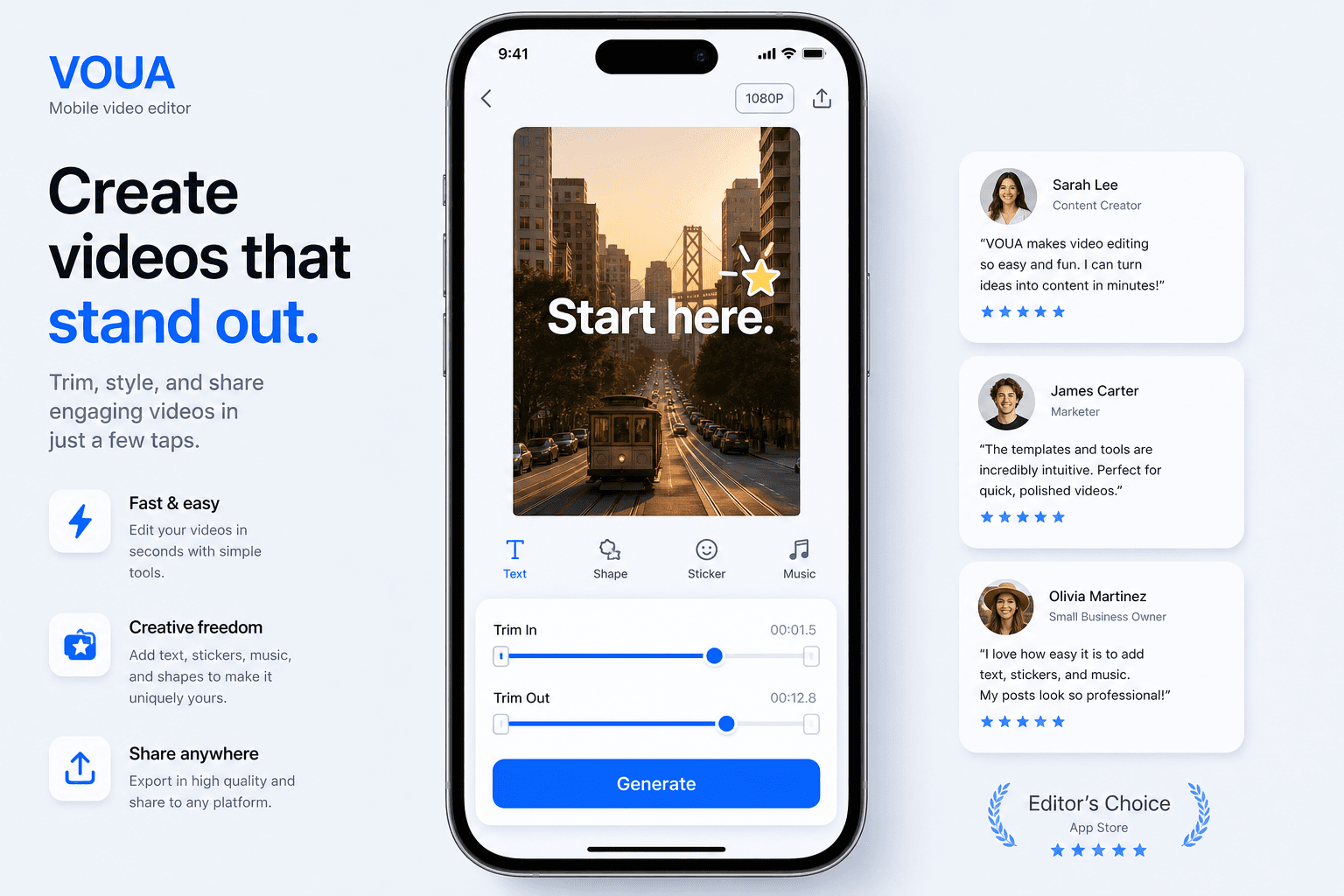
Scene Studio
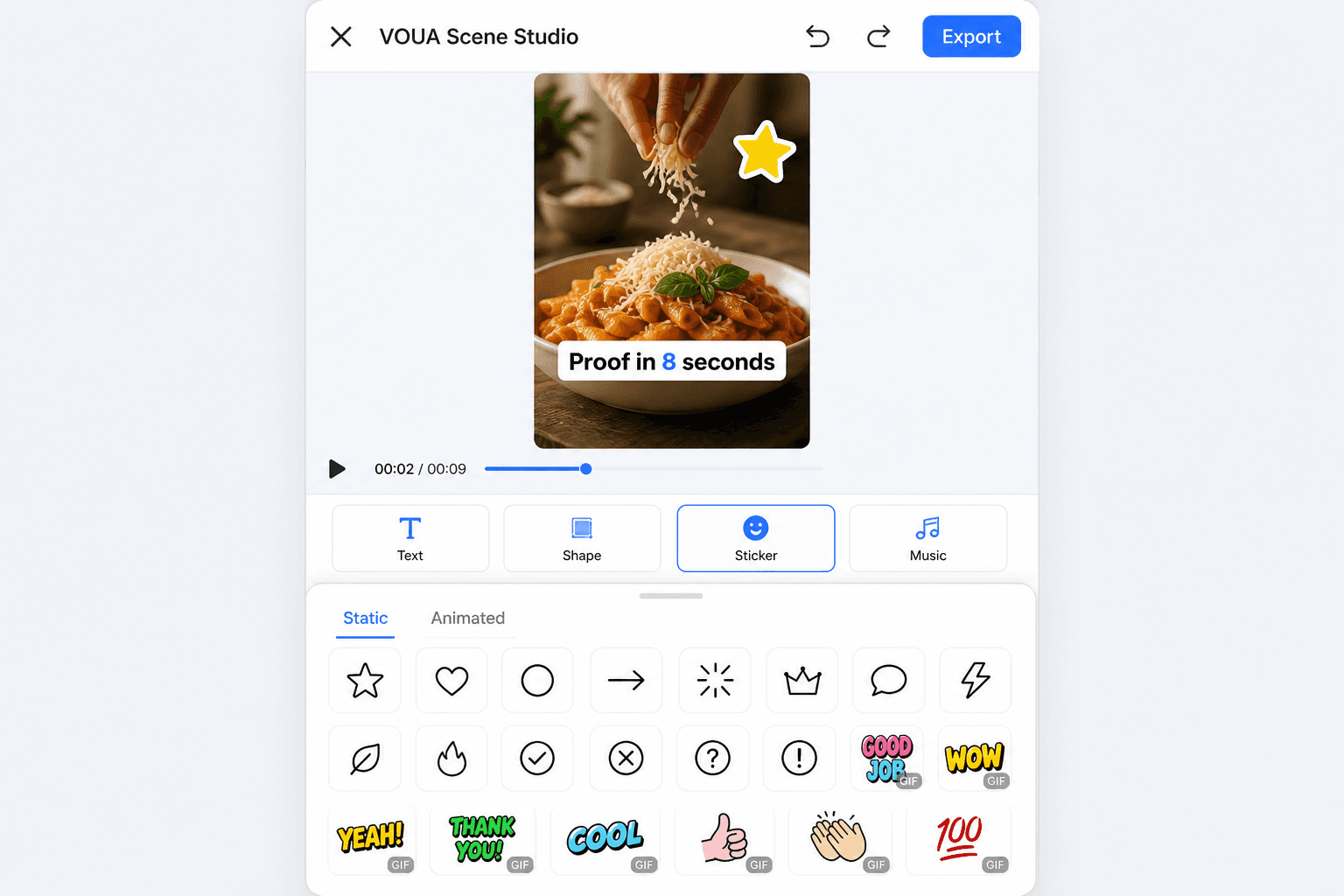
A 9:16 stage on top. Overlay toolbar underneath. In/out sliders live in the sheet, not on a shifting NLE ruler. Play this scene. Export stitches the rest.
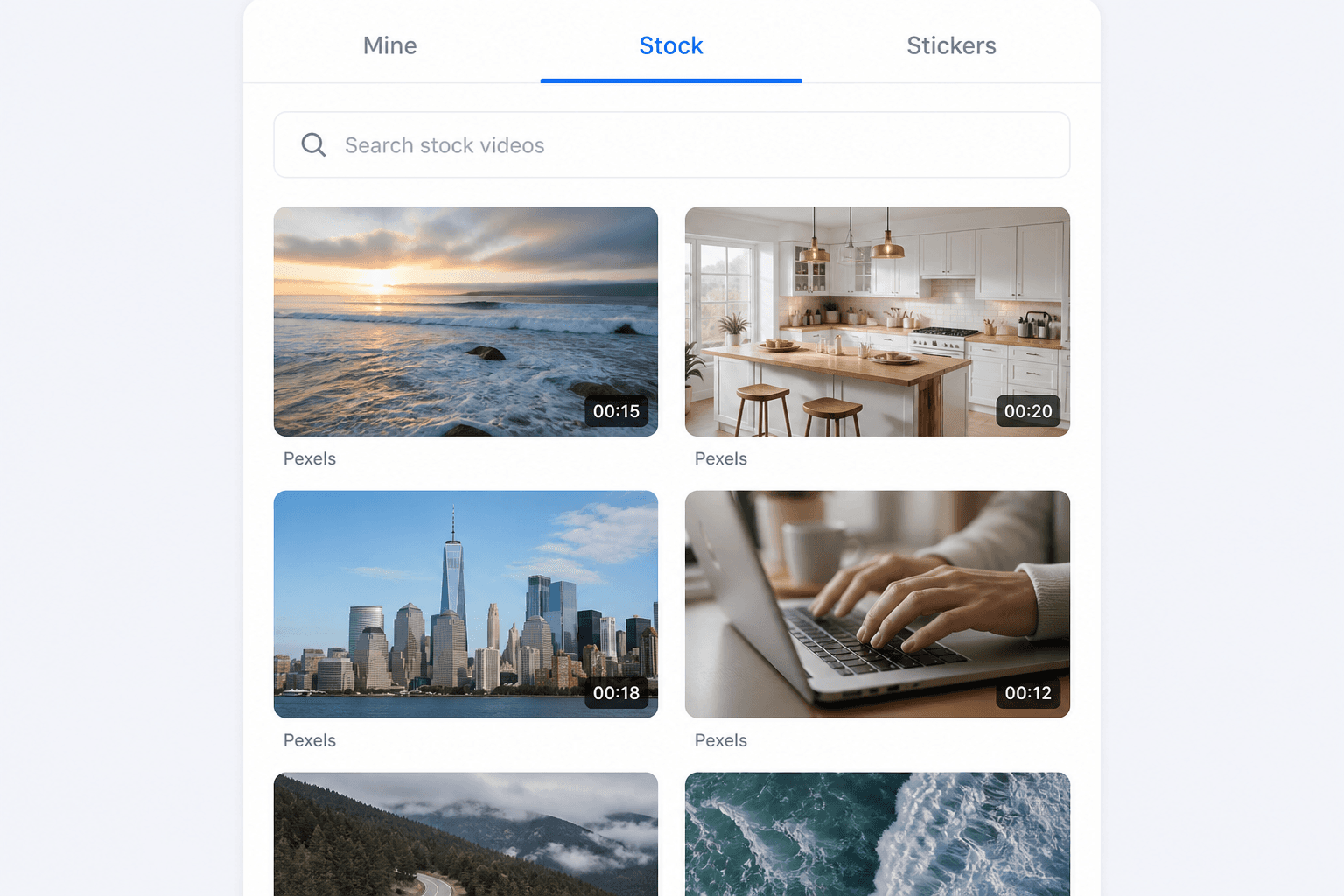
Library
Anim8 focuses on character consistency and TTS. Stock Pexels/Giphy rails stay in code but out of the primary path until needed.
Overlays
Preset type from your brand kit. Recolorable SVG clipart. Animated stickers with required attribution. Start and end times belong to the scene, not a multi-track graph.
Credits, not surprise invoices
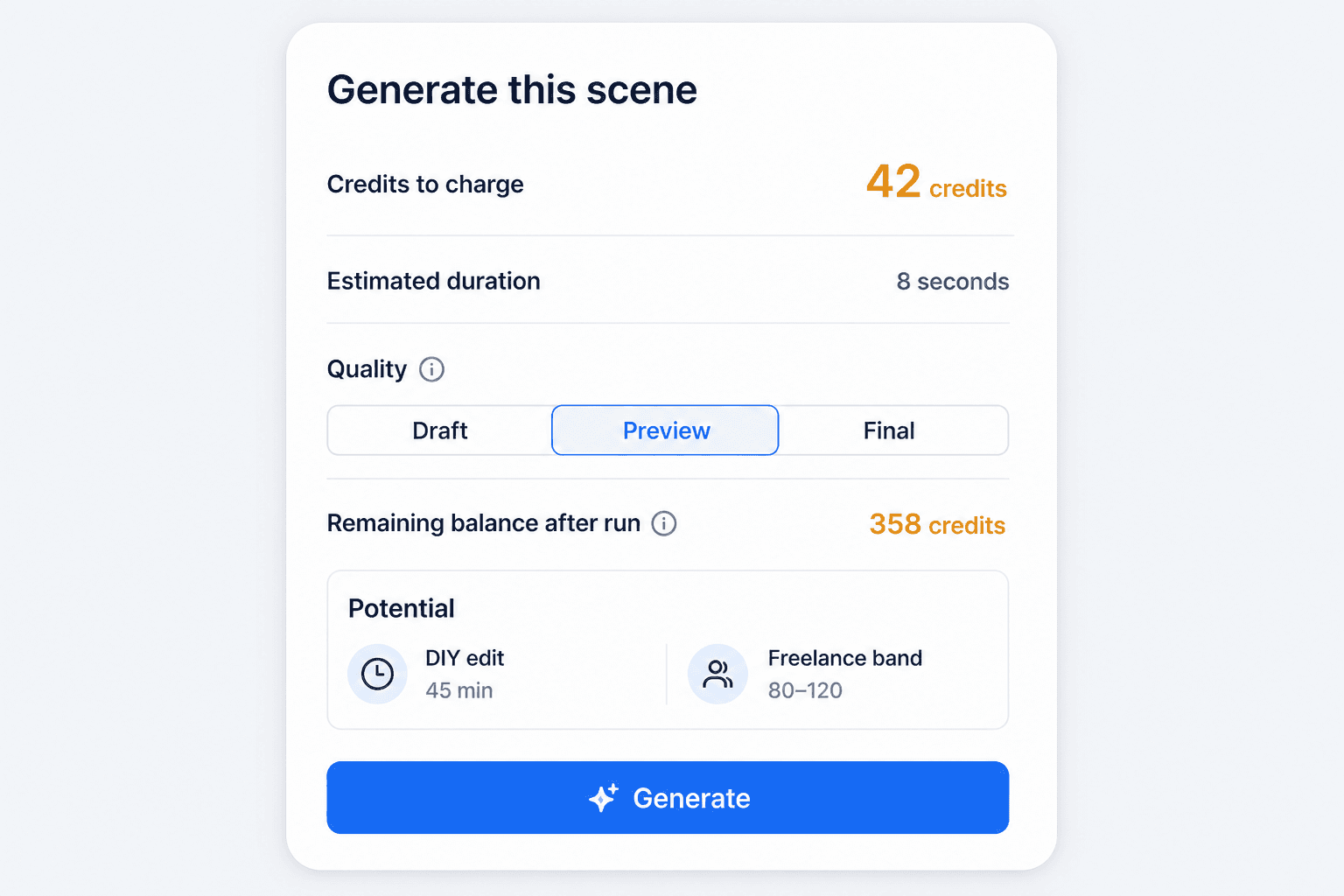
Every run quotes credits, duration, quality, and time you would have spent editing it yourself. Vendor dollars and markup stay in admin. If the wallet is short, the button stays off.
Ship it
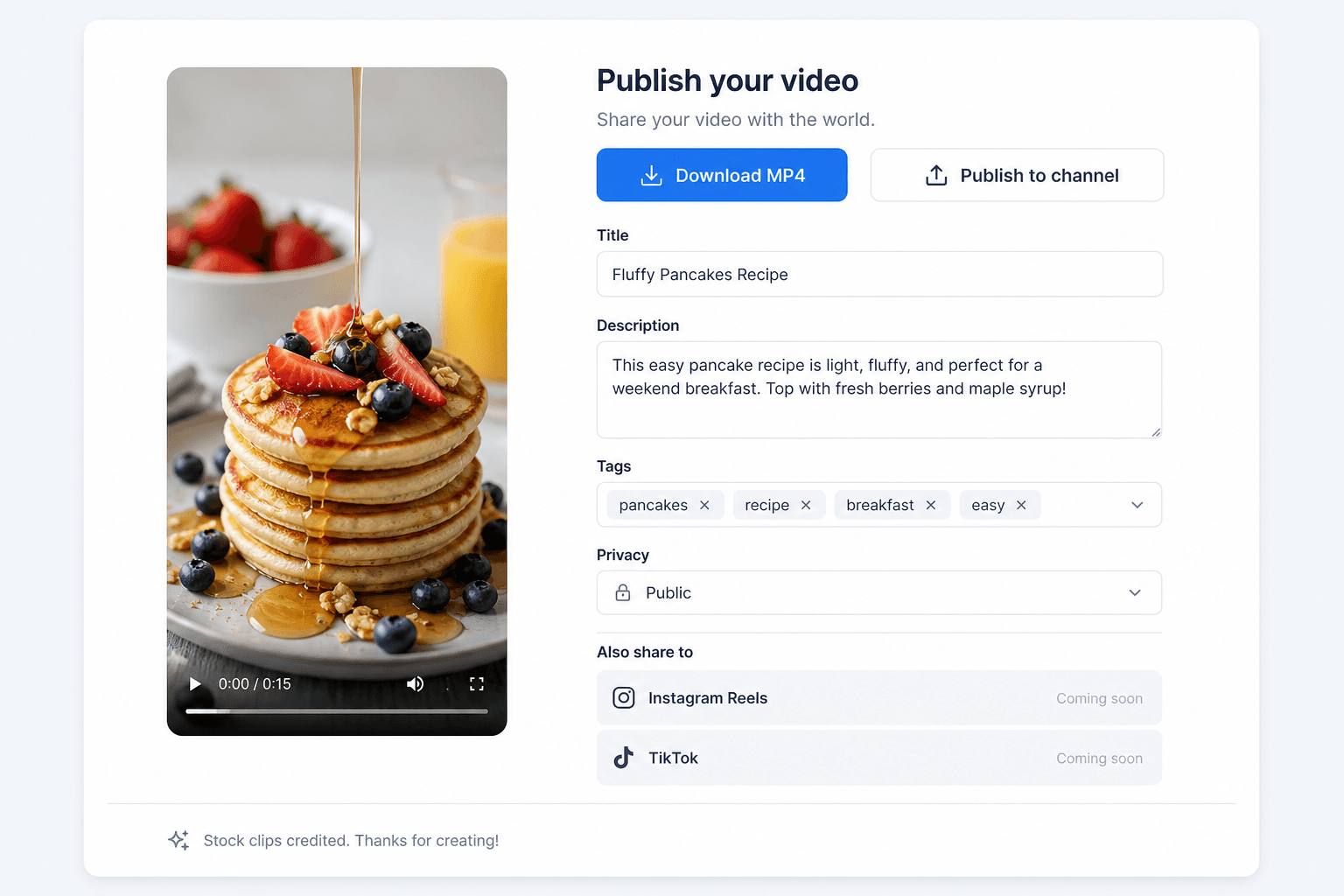
FFmpeg stitches finished scenes — on Hostinger for light work, or on a droplet/PC worker when generation gets heavy. YouTube upload is ready for OAuth. TikTok and Instagram sit behind Coming soon.
Pay for output, not a timeline seat
The Free plan is intentionally limited. Creator and Studio require an upgrade. Credits reset with the billing cycle; packs roll until you use them.
$0 forever
$19 / month
$49 / month
Credit packs: 100 · 300 · 800 · 2000. Purchased credits roll until used. Included monthly credits do not, unless admin says so.
Sign up, land on an empty episode list, pick a template or paste a script, and open the first scene.